
Home > Register
Mega888 Register Guide - Account Setup Help
 WhatsApp
 Telegram
Confirm all terms before paying • Never share your password, OTP, or PIN
Why the App May Not Show Sign-Up
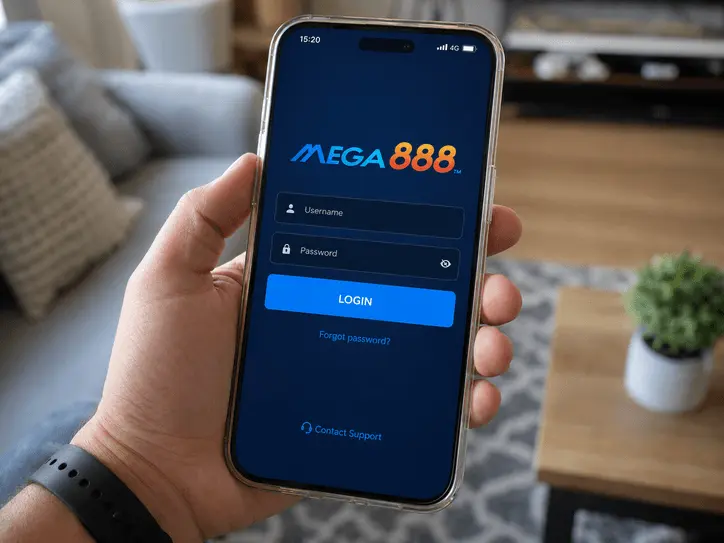
The Mega888 app commonly opens on a login screen without a public registration form. Account setup is normally handled through the support route connected to the player ID rather than inside the app.
Mega888Client.com is an independent guide, not the Mega888 developer or payment processor. The steps below explain what to ask, what information to keep private and which requests deserve extra caution.
How Account Setup Works in Malaysia
Unlike standard apps, Mega888 does not have a built-in 'Sign Up' button. For players in Malaysia, account registration is handled securely by verified local agents via WhatsApp or Telegram. Because this process involves real money and local bank transfers (like Maybank, CIMB, or Touch 'n Go eWallet), it is crucial to know who you are dealing with. As your independent guide, Mega888Client.com shows you exactly what a safe registration process looks like and how to avoid scammers.
Step 1: Message Support Through a Known Route
Use the WhatsApp or Telegram button above and ask for the current account setup terms. Confirm who you are speaking with before sending personal information or money.
Step 2: Confirm the Account Terms
Ask whether an initial top-up is required, which name will receive it, and what rules apply to any offer. Do not send a transfer until the recipient and terms are clear, and keep the receipt.
Step 3: Receive Your ID and Log In
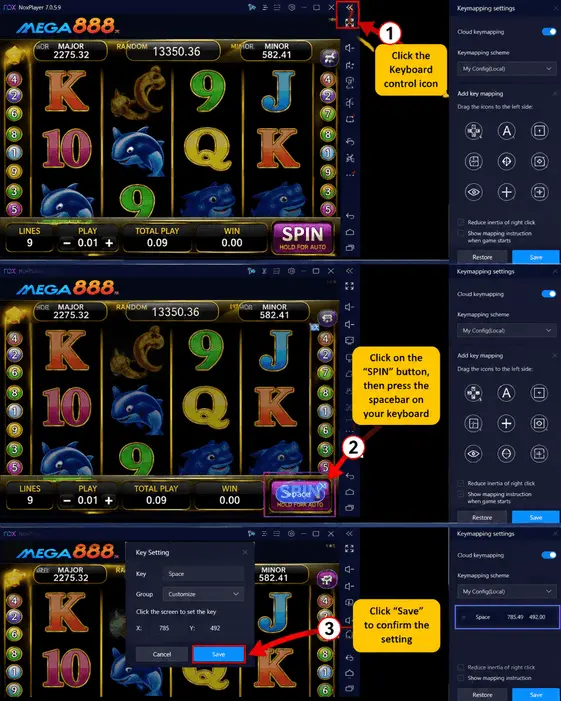
After your account request is accepted, support will normally send you:
- Game ID: e.g., M8_John99
- Temporary Password: e.g., Aa1234
If a temporary password is provided, change it when the app prompts you. Store the new password privately and do not send it back through chat.
Registration Scams to Avoid
Because many account conversations happen through WhatsApp or Telegram, fake support accounts are common. Watch out for these warning signs:
Unexpected Activation Fees
Treat a separate fee to "activate the server" or "unlock the ID" as a warning sign. Pause and verify the charge through the established support route.
Unclear Bonus Terms
Ask for the deposit, turnover and withdrawal terms in writing. A large headline amount is not useful if the conditions are missing.
Unsolicited Social Messages
Do not move an account or payment conversation to a new contact found in a public comment. Return to the support route you opened yourself.
Frequently Asked Questions
Do I need to give my IC (Identity Card)?
No. Normal account setup should not require a photo of your IC or your home address. Be careful with any support account asking for more personal information than needed.
Can I register an account just to look around?
If you only want to inspect the app interface, use the shared Test ID guide before deciding whether to request a personal account.
Check the App First
Use a shared Test ID to inspect the interface and connection before requesting a personal account.